First access to Pulsar
Sign in to Pulsar for the first time from a computer, tablet or phone.
As the platform's Super Administrator, you create a username and password for each Pulsar user. With those, anyone can sign in from a computer, tablet or phone at app.pulsarml.com.
Sign in
Choose your language
Go to app.pulsarml.com. Before you sign in, pick your language with the language selector at the top right of the page: English or Español.
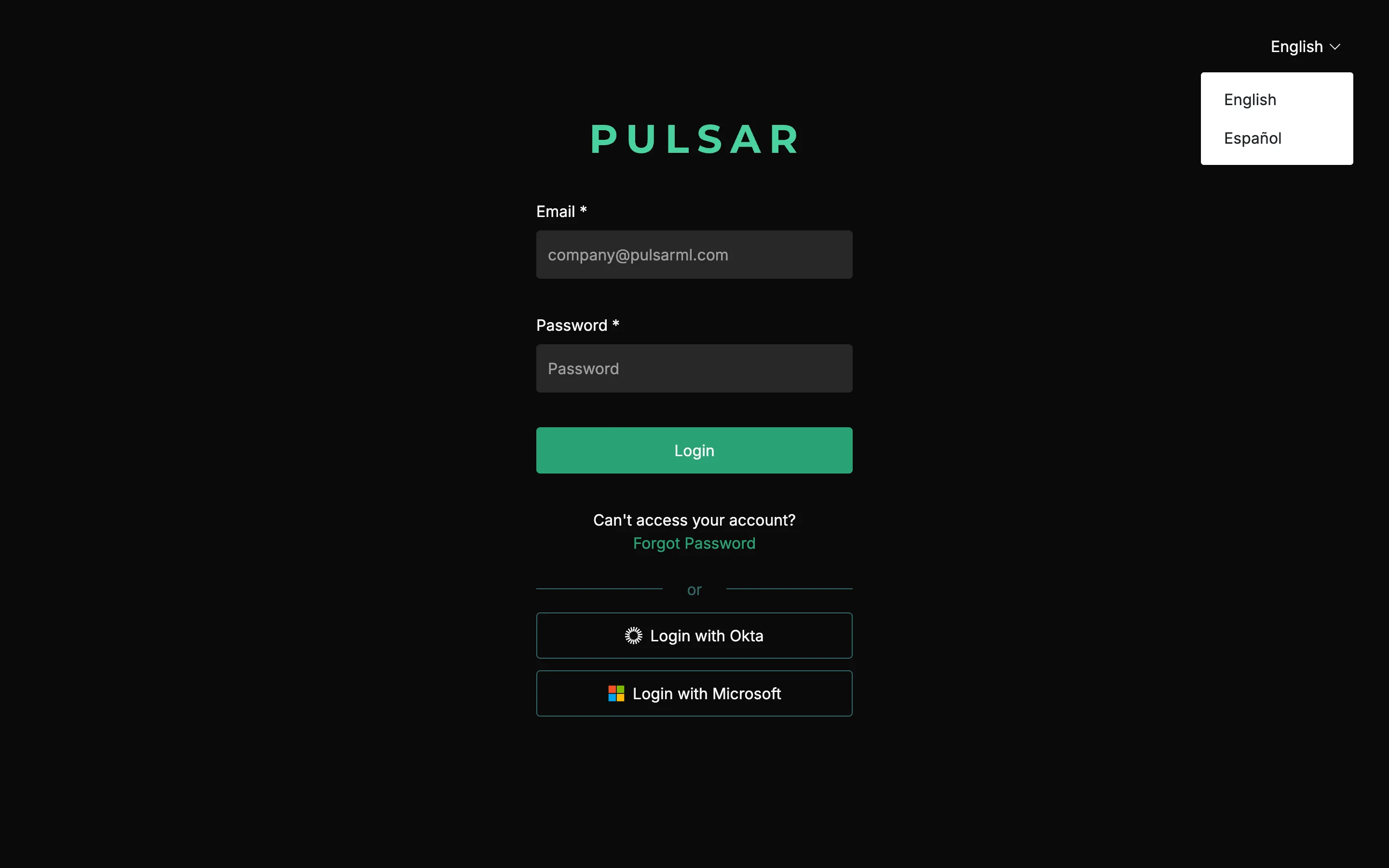
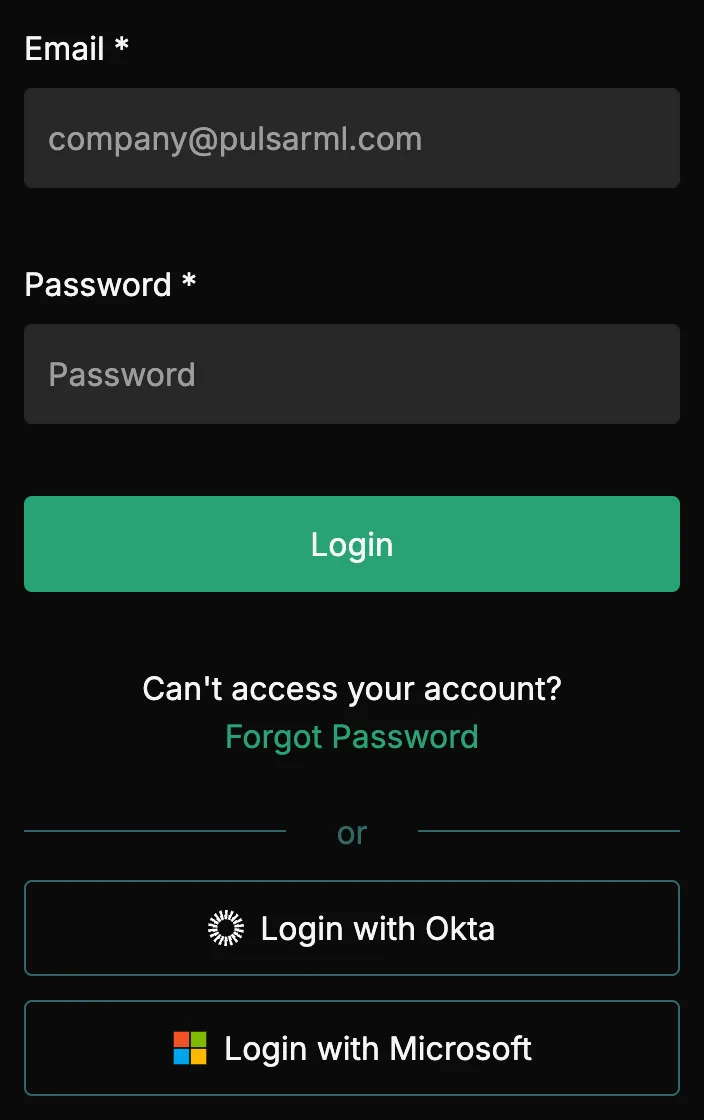
If your company signs in with Okta or Microsoft, click Login with Okta or Login with Microsoft instead of typing a password.
If you can't sign in or need help, contact your Customer Success representative or raise a support ticket from the app.